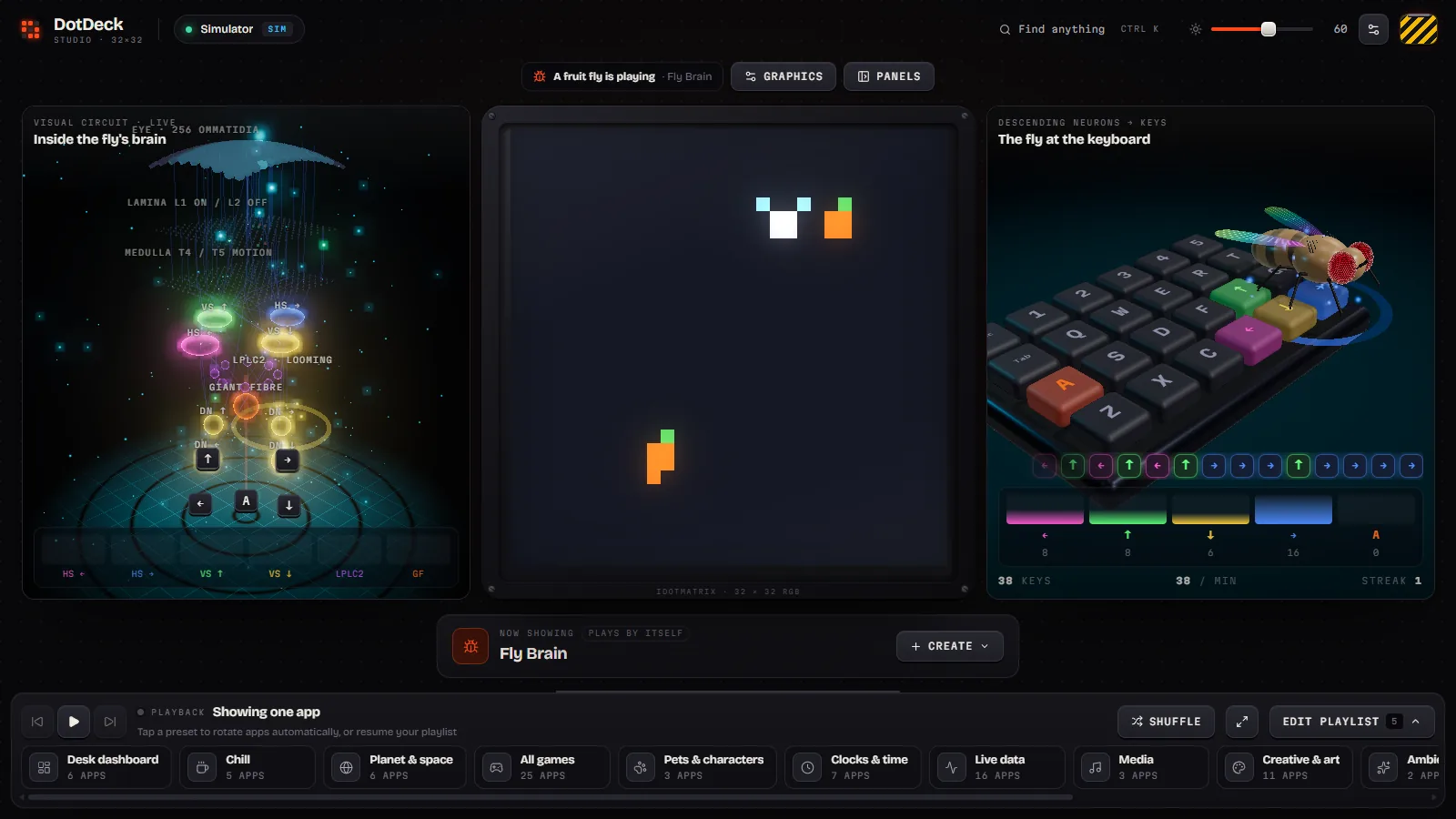
See it move
The studio
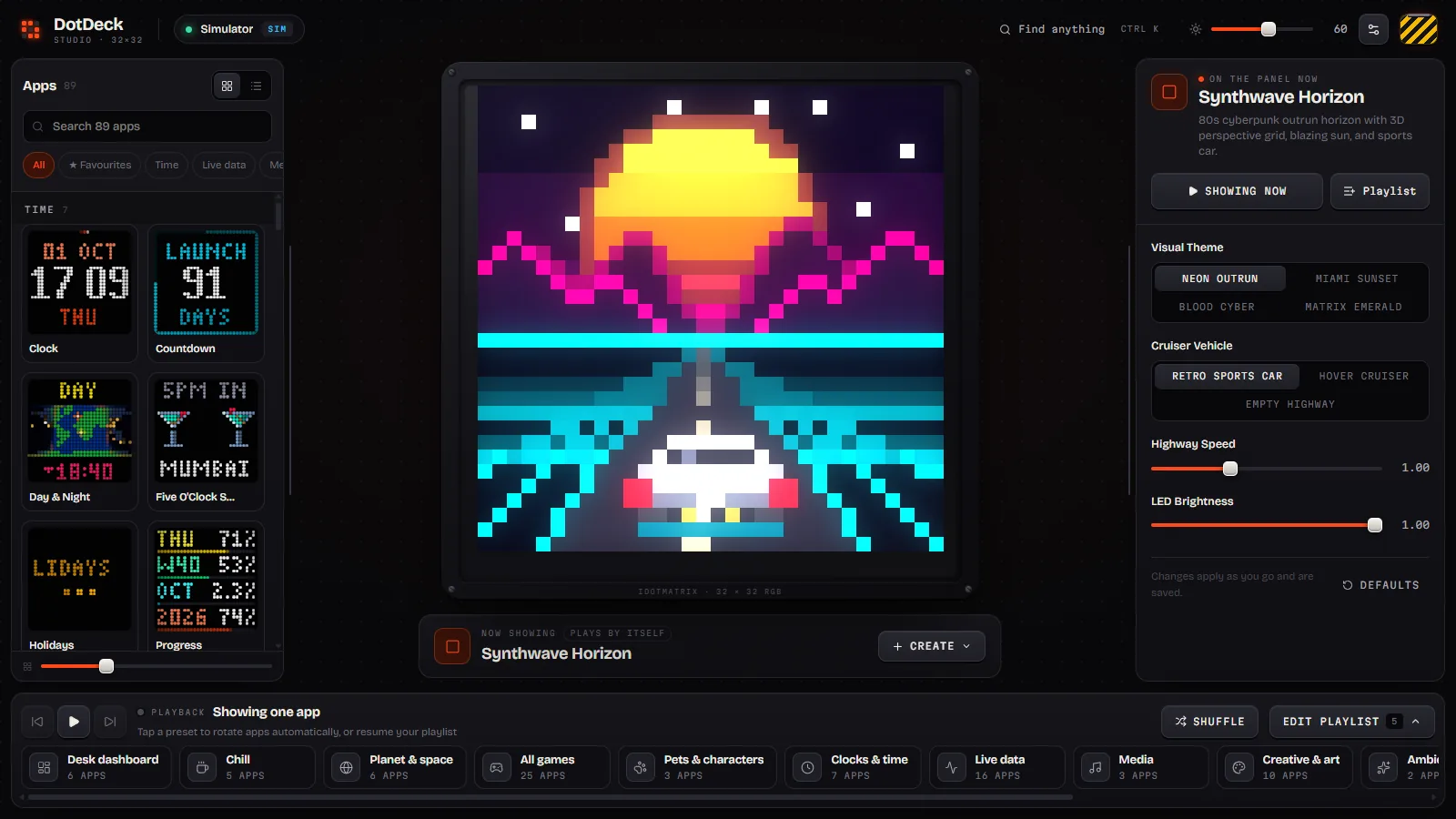
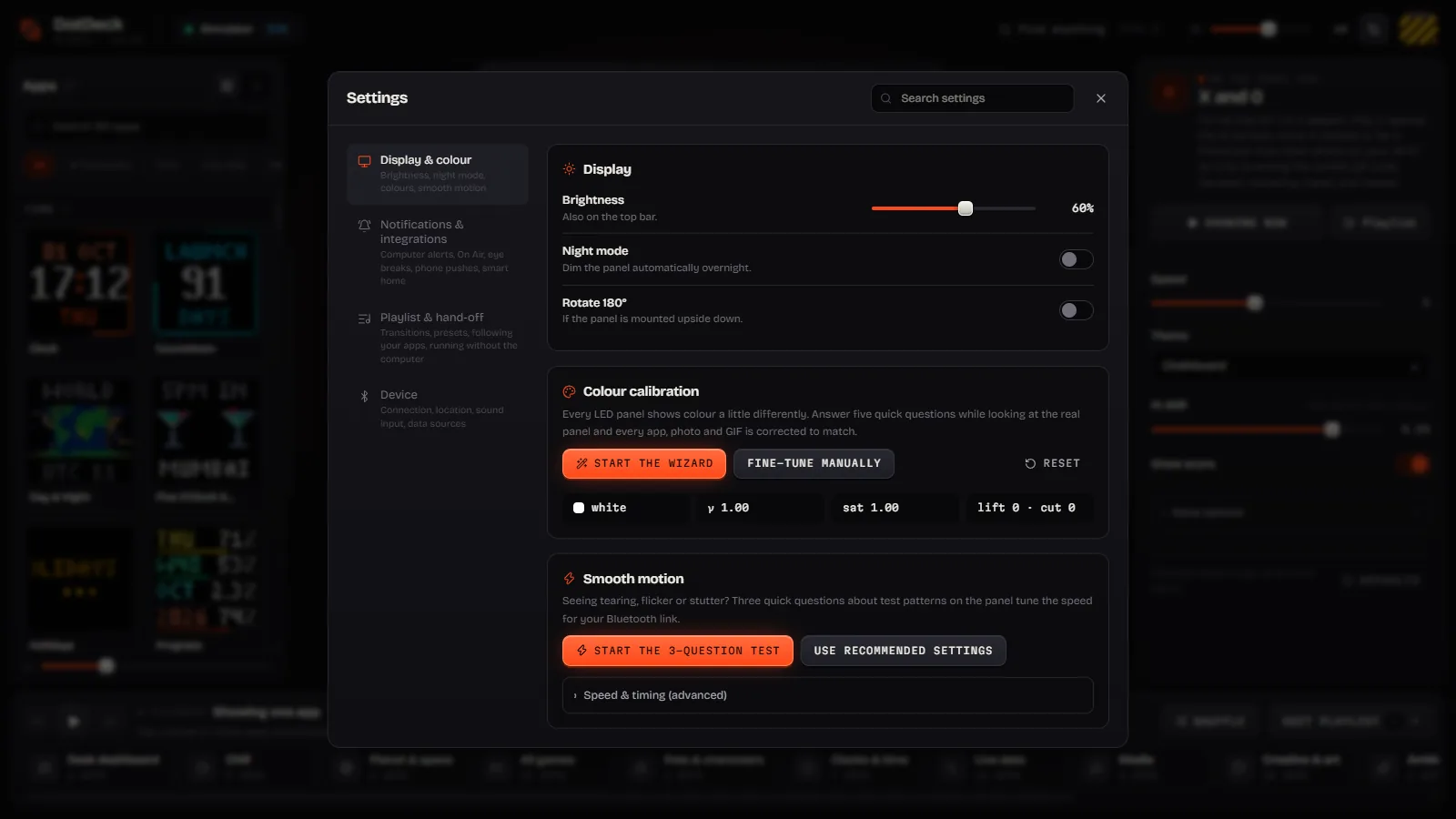
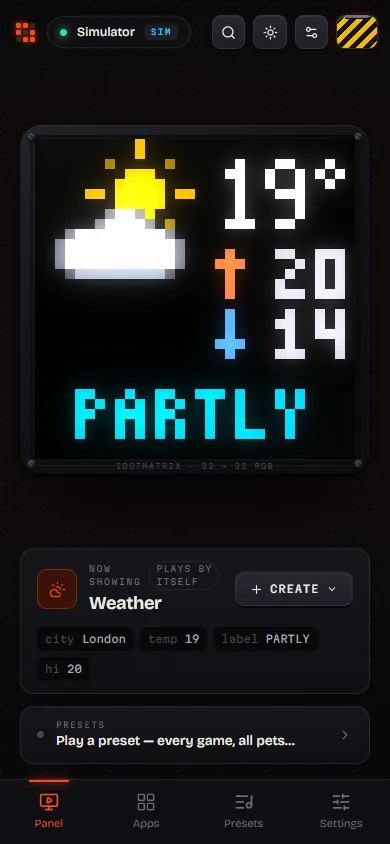
Pick an app and it's on the panel in a second. Every setting is live, every form is generated from
the app's own schema, and it works the same in a desktop browser and on your phone. The engine serves it at
http://127.0.0.1:8765.

Play mode
An arcade on 1,024 pixels
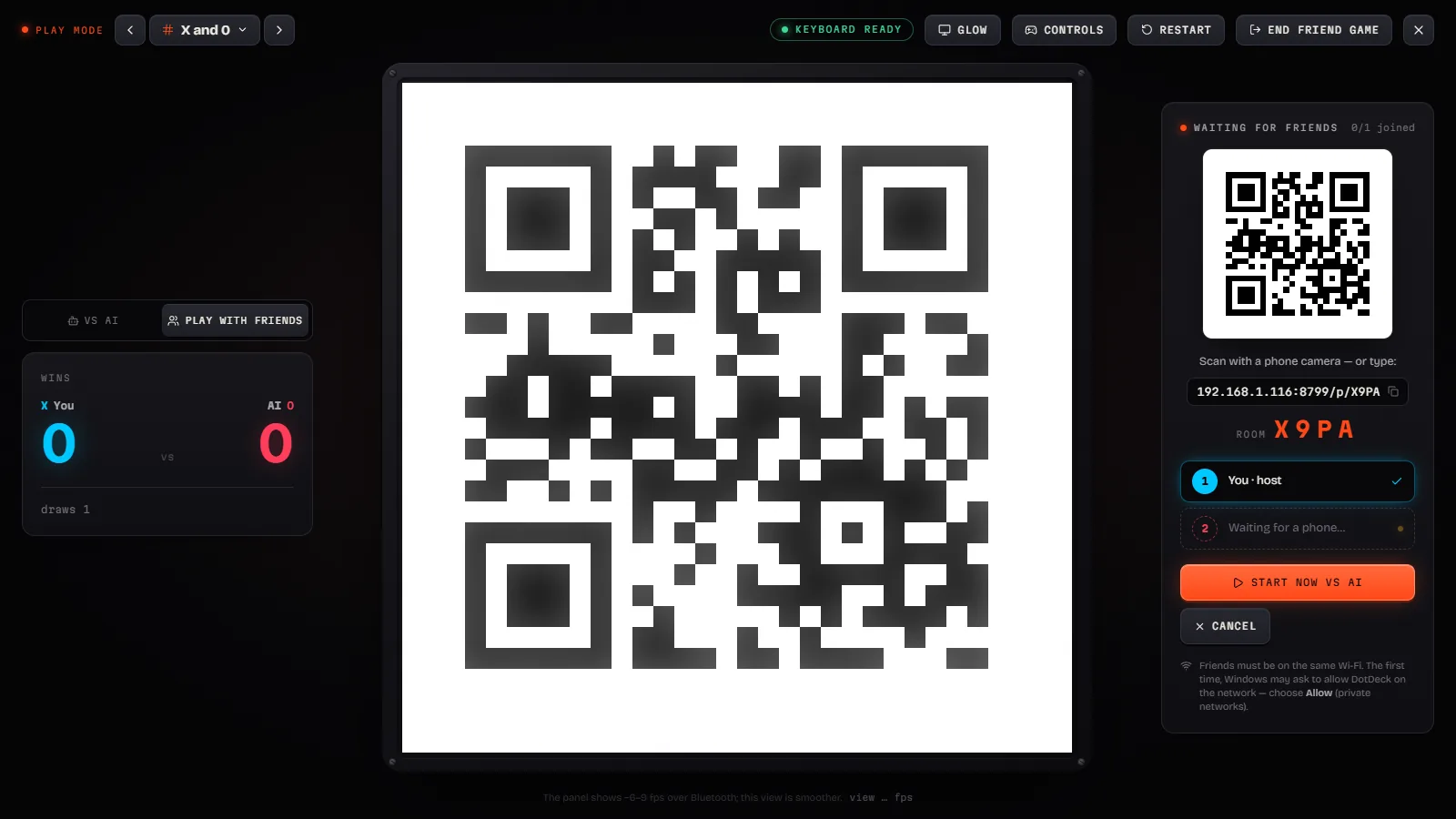
Press ▶ Play on any game. B opens the match setup: mode, players, map and theme. For multiplayer the panel shows a QR code and friends' phones become controllers over your Wi-Fi.
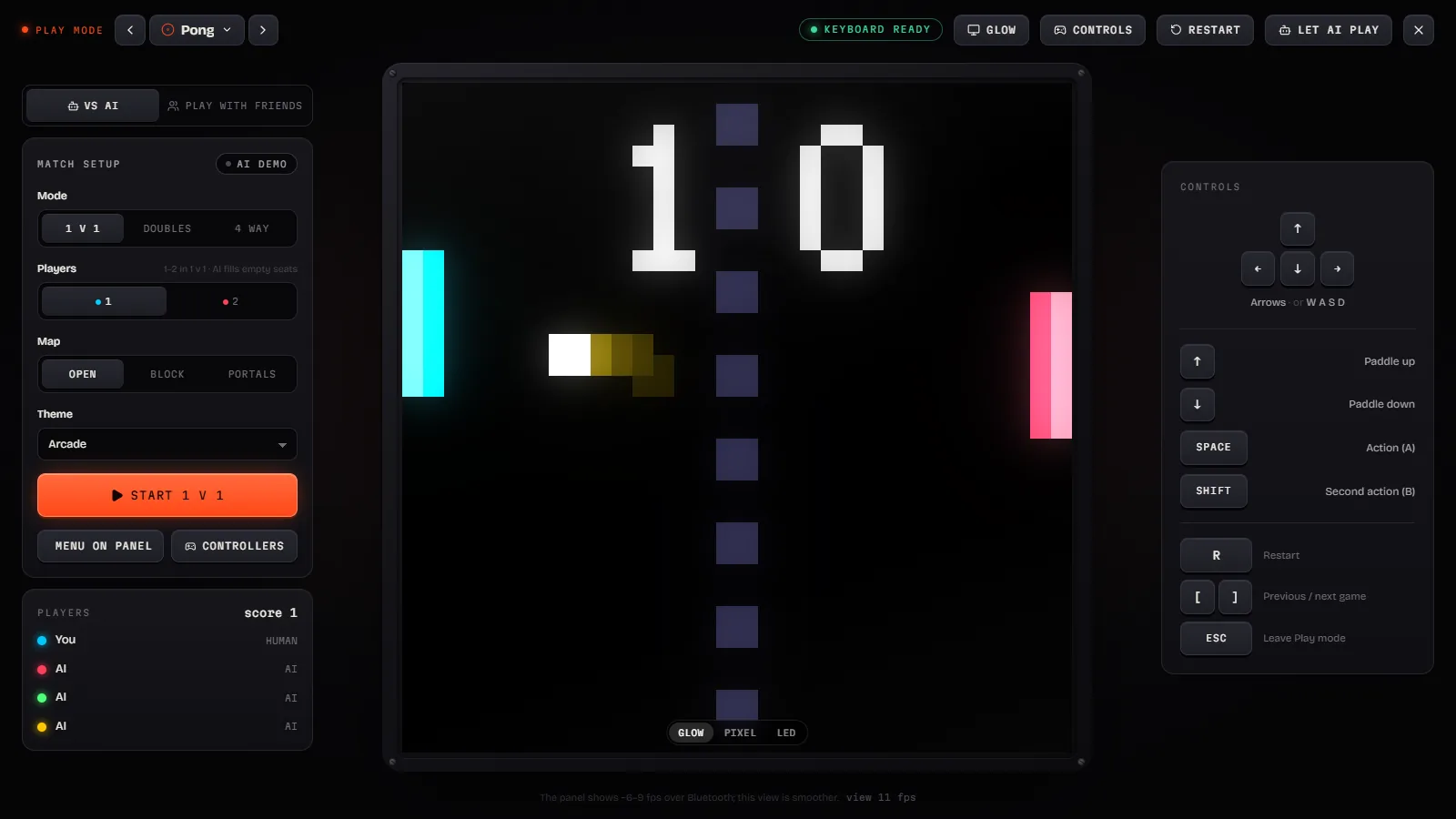
Multiplayer games, as the panel plays them

7 Up 7 Down
The dice party game: bet under 7, over 7 or lucky 7 from your phone; the panel rolls.

Andar Bahar
The Indian card game: the joker is turned, bet Andar or Bahar, watch the cards fall.

Baccarat
Punto Banco for parties: bet Player, Banker or Tie from your phone; the panel deals the coup.

Big Six
The money wheel: bet on 1, 2, 5, 10, 20, joker or logo; the panel spins the big wheel.

Blackjack
Blackjack for parties: everyone plays the dealer from their phone; the panel deals the hands.

Roulette
Casino roulette for parties: friends bet from their phones, the panel spins the wheel.

Slots
A slot machine for every phone: pull the lever, watch your reels spin on the panel.

Teen Patti
Three-card Indian poker: play blind or seen, chaal, raise, sideshow and show from your phone.
On your phone
The same studio in your pocket, and seven controllers
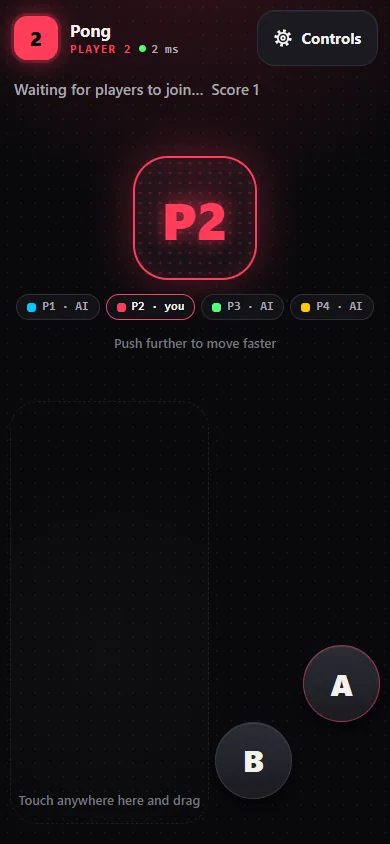
The studio is responsive, so your phone gets the full library and every setting. In a game, a phone becomes a controller: d-pad, analog stick, swipe, tap zones, tilt, a real gamepad or the keyboard. Friends join with the room code; they only ever reach the controller, never your studio.
- Seat 1 on the keyboard or the studio, everyone else on phones
- Empty seats are played by the AI, so a match always starts
- Every game plays itself as a screensaver until someone presses a key
The 3D Fly view
Watch a fruit-fly brain play
When the Fly Brain plays a game, the studio shows its visual-to-motor circuit in 3D: the panel's frame goes in like a compound eye, neurons fire, and the motor neurons steer. It is only ever shown in the studio, never on the panel.